AI-assisted Operation Editing
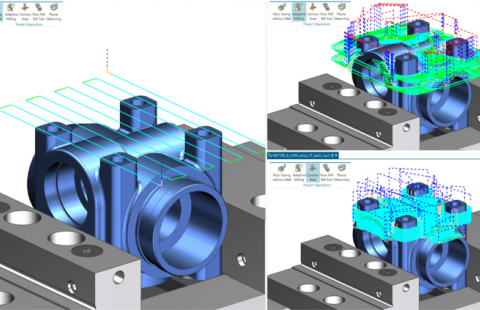
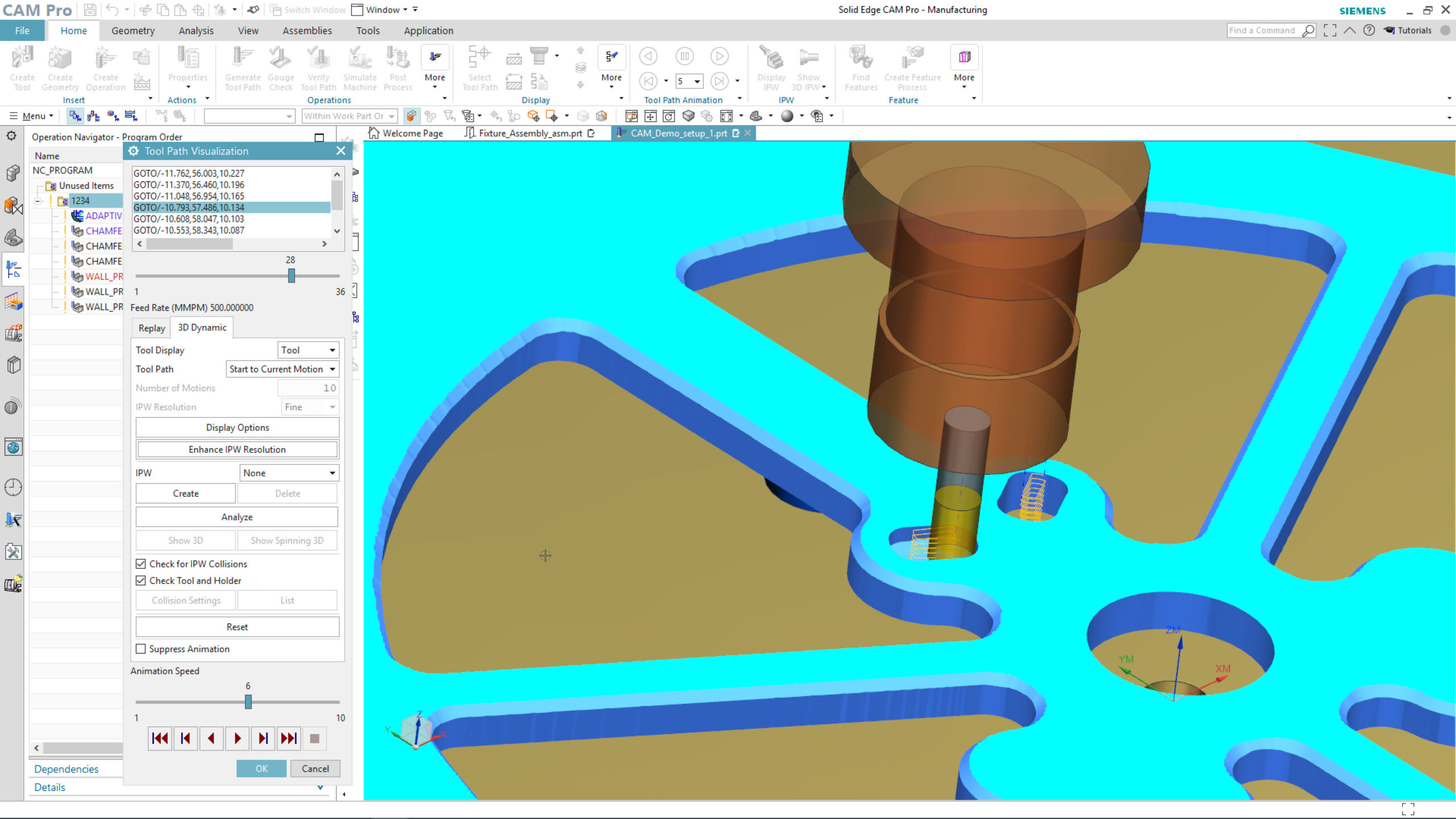
Enhancements made to AI-assisted Operations learn for your best programming practices to improve your manufacturing workflow. AI assistance will indicate the most probably parameters, accelerating programming processes and ensuring accurate repeatability. The new Prediction Node can be found in the operation dialog. The node will learn from your best programming practices to dynamically change and predict your behavior.
The new application, Cloud Connect Tool Library, is a cloud-based tool manager technology that provides you with a user-friendly and intuitive experience. Now, you can easily edit and define tools before using them. Cloud Connect Tool Library also features an intuitive User Interface which makes tool management more efficient than ever. The importation of tools from vendors is quick and seamless.
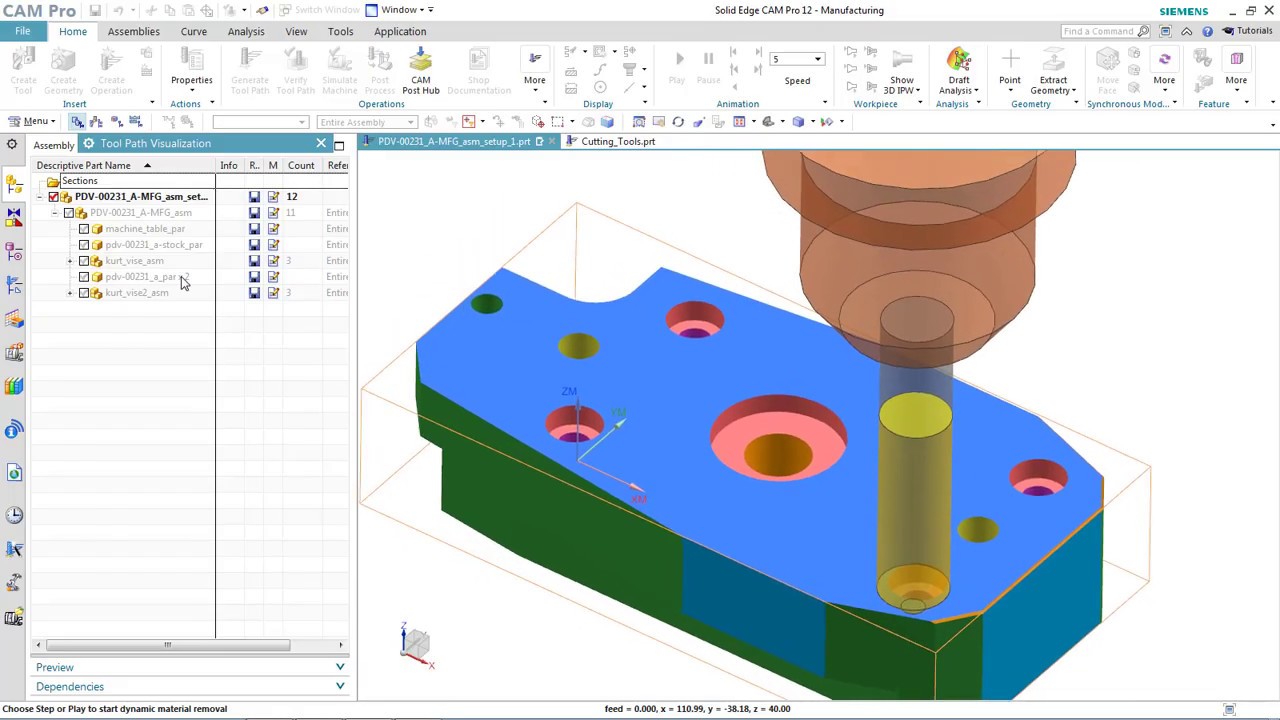
Users now enjoy faster programming and more efficient machining cycles due to 3D Adaptive Roughing. This new feature has a high-speed, bottom-up cutting strategy which enables methodical removal of material between cut levels. 3D Adaptive Roughing does so by re-cutting the stock at decreased levels by stepping upward.
Prime B insert types by Sandvik are now supported in Solid Edge CAM Pro. New dimensioning options are available for inscribed circle and the tool radius. A reduced default engage feed rate ensures a smooth and seamless material engagement and longer tool life. Sandvik PrimeTurning™ increases productivity by removing more material which enables faster speed and increased tool life. PrimeTurning™ is a new methodology which enables turning in all directions resulting in a 50% productivity increase.
Automatic Toolpath Generation – Milling and Turning
The new and improved Automatic Toolpath Generation upgrades and enhances the user’s workflow experience by utilizing automatic toolpath generation milling. The toolpath can be reviewed and checked instantly, even while programming. Automatic Toolpath Generation supports the following: Planar Mill, Planar Profile, 2D Wireframe Processor, Profile 3D, and Solid Profile 3D. More complex operation types will be supported in the future.
Additional Manufacturing Enhancements
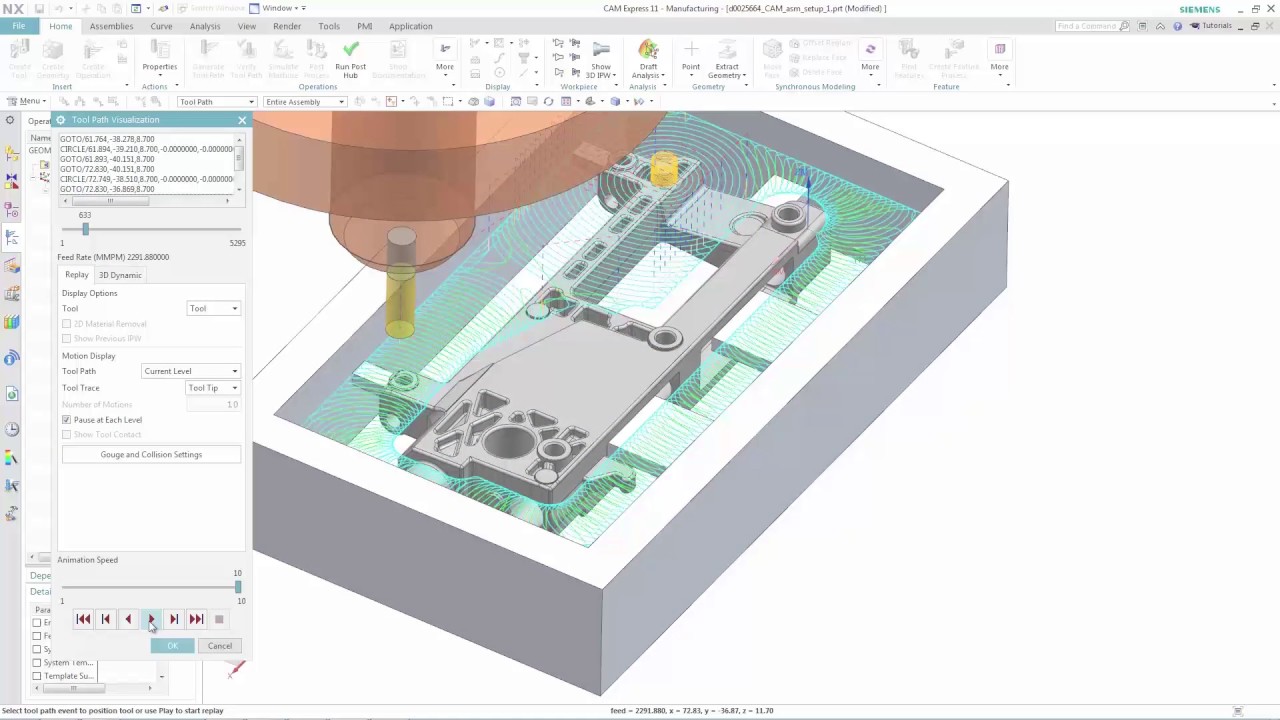
Quickly generate toolpaths on flat surfaces with complex shapes using the “Face Mill Mid-Pass” operation. To utilize this feature, the user first selects a face. Face Mill Mid-Pass will then create an intelligent toolpath that can ignore or cut around pre-existing holes, as well as define an offset. Users will also be able to visualize and create optimized toolpaths by being able to view the uncut material using In-Process Workpiece (IPW) technology. This new toolpath operation works well with flanges on valve covers and oil pans that have holes.
Programming parts with symmetric and eccentric surfaces is now seamless due to Turn-milling, a new Rotary Milling capability. Turn-milling is a new cutting strategy for cylindrical and conical parts, especially those with feature obstructions. Toolpaths can be optimized by leveraging advanced settings that include axial and radial limits, engagement types, and cut sequencing. Finishing and roughing operations can also be programmed using a plethora of tool types including indexable, solid, ceramic, carbide, round, and wiper tools.
Accelerate programming and workflows by saving In-Process Workpieces (IPWs) at any stage as a faceted body in the part navigator. The In-Process Workpiece is saved when the tool path animation is paused. This feature is also available from the Path Report.
Tool handling is made easier by reducing the need for manual interaction with Default Tool Display. A clear display of the cutting tool is made visible and apparent during the first click. This new tool display feature is compatible with both turning and milling operations. Pre-existing tool display locations have been extended to two additional levels: 10% apart from blank and the start of the tool path. Multiple selected operations will display the tool of the first operation. The Tool Edit feature will also appear in a neutral orientation without context to the tool path.
Automatically and intelligently load parts and fixtures into the machining environment. Putting the part and fixtures within the context of the Machine betters the user’s visualization capabilities while positioning the machine tool.